S-RTK100 can be powered by an external power bank with Power Delivery. The device switches on automatically when power is applied.
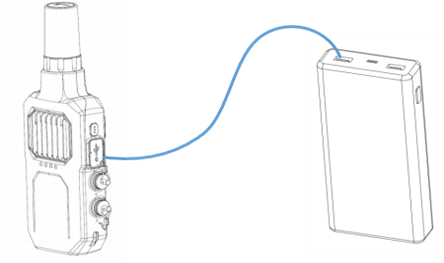
1. Remove the cover from the USB Type-C connector;
2. Connect S-RTK100 to the power bank with a Type-C cable.
The power bank must support 20 V output (the same as the power bank for TOPODRONE SLAM100);
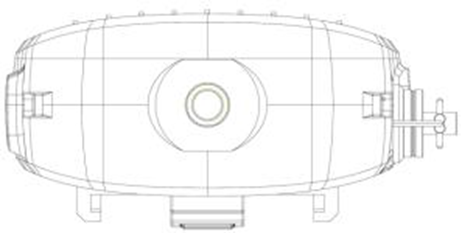
The bottom of S-RTK100 has a 1/4-inch threaded socket for a 1/4 to 5/8-inch adapter and a telescopic pole. (The adapter and pole are not included in the standard package; contact the sales department if needed.)
Do not forget to insert the Nano-SIM and Micro-SD cards into S-RTK100 before use.
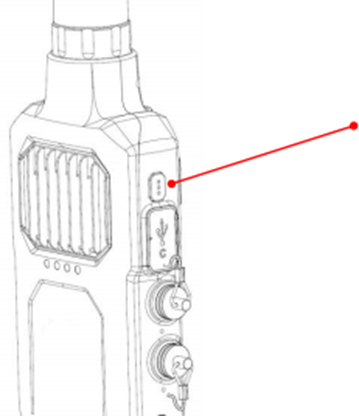 |  |
Mode switching. Press to switch the mode. The default is point mode
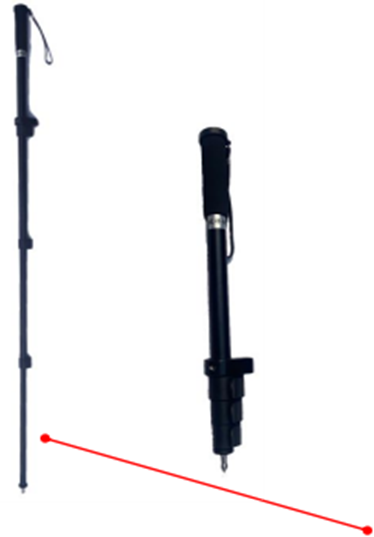 | 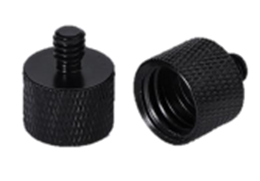 |
| Telescopic pole | 1/4 to 5/8-inch adapter |