| Before connecting to S-RTK100, switch on Bluetooth on the mobile phone. Open the SLAM GO APP, connect to SLAM100 and enter standby mode. Go to SETTINGS > GENERAL SETTINGS > S-RTK100 SETTINGS and select the required S-RTK100 Bluetooth device in the pop-up window to connect. After S-RTK100 is connected to SLAM100: 1. Make sure S-RTK100 is switched on in an open area with GNSS signal; 2. After power-on, automatic initialization (time calibration and satellite search) takes about 5 minutes; 3. TOPODRONE SLAM100 can work normally after the GNSS indicator blinks green or stays on. Note 1. Use the S-RTK100 satellite receiver in the frequency range permitted by local radio regulations, and follow local radio laws and regulations; 2. Do not disassemble the S-RTK100 antenna; 3. When using and placing S-RTK100, make sure it is vertical to the ground (antenna up); 4. Avoid using S-RTK100 near obstacles or radio interference; 5. Avoid blocking the antenna when using S-RTK100; 6. Do not let liquids such as water or oil get inside; 7. Avoid electric discharges and lightning. | 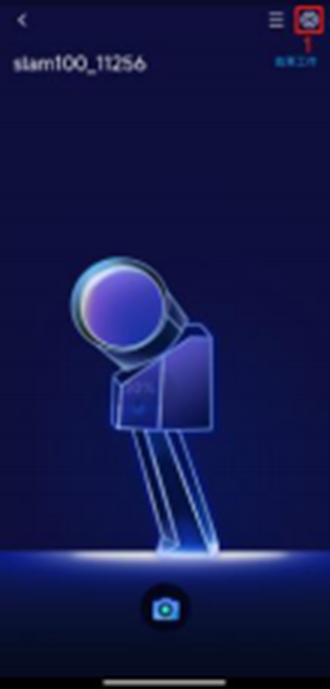 |
Bluetooth connection
Was this article helpful?