






Contents
- 1. General information about SLAM 1000
- 2. SLAM 1000 scanner specifications
- 3. Scanner components
- 4. Key advantages of SLAM 1000
- 4.1. High-precision point cloud
- 4.2. Coloured point cloud
- 4.3. Real‑time mapping
- 4.4. MagSafe mount
- 4.5. External panoramic camera
- 4.6. Lightweight and portability
- 5. Software
- 6. Conclusion
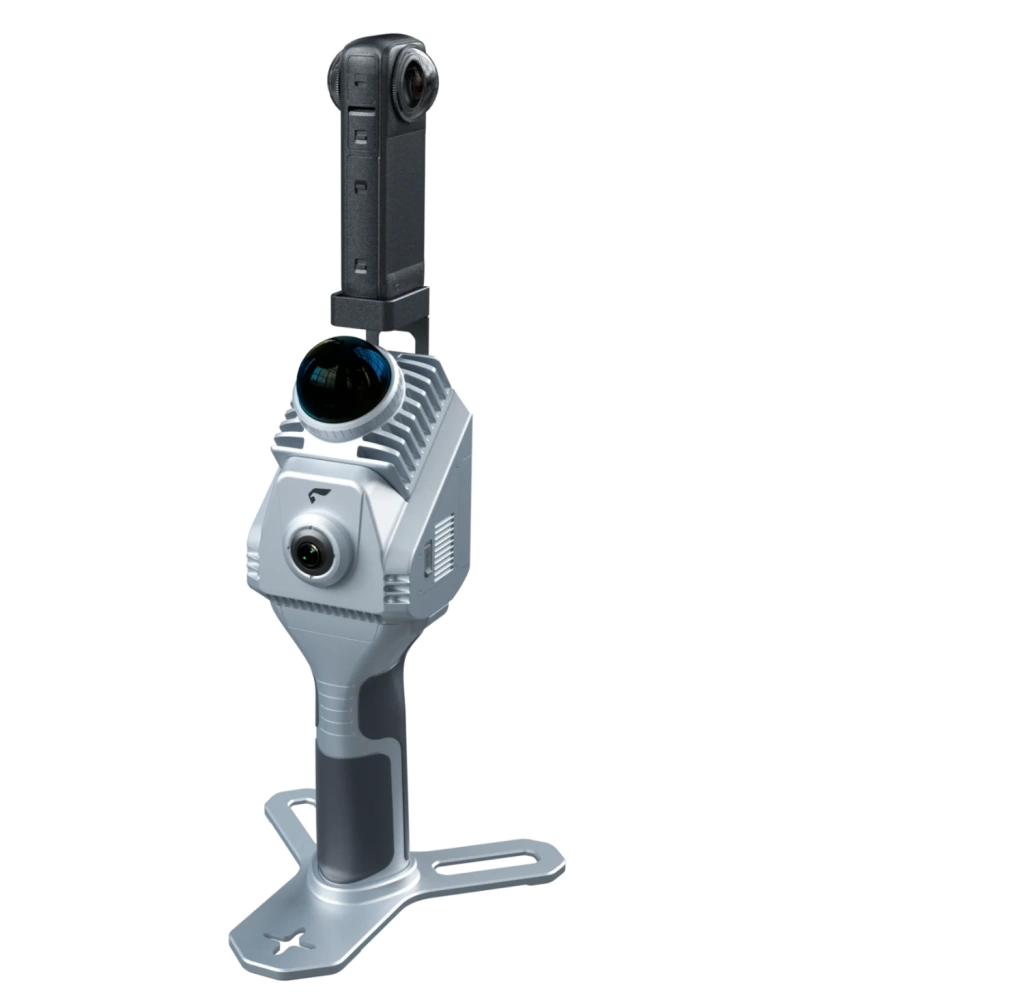
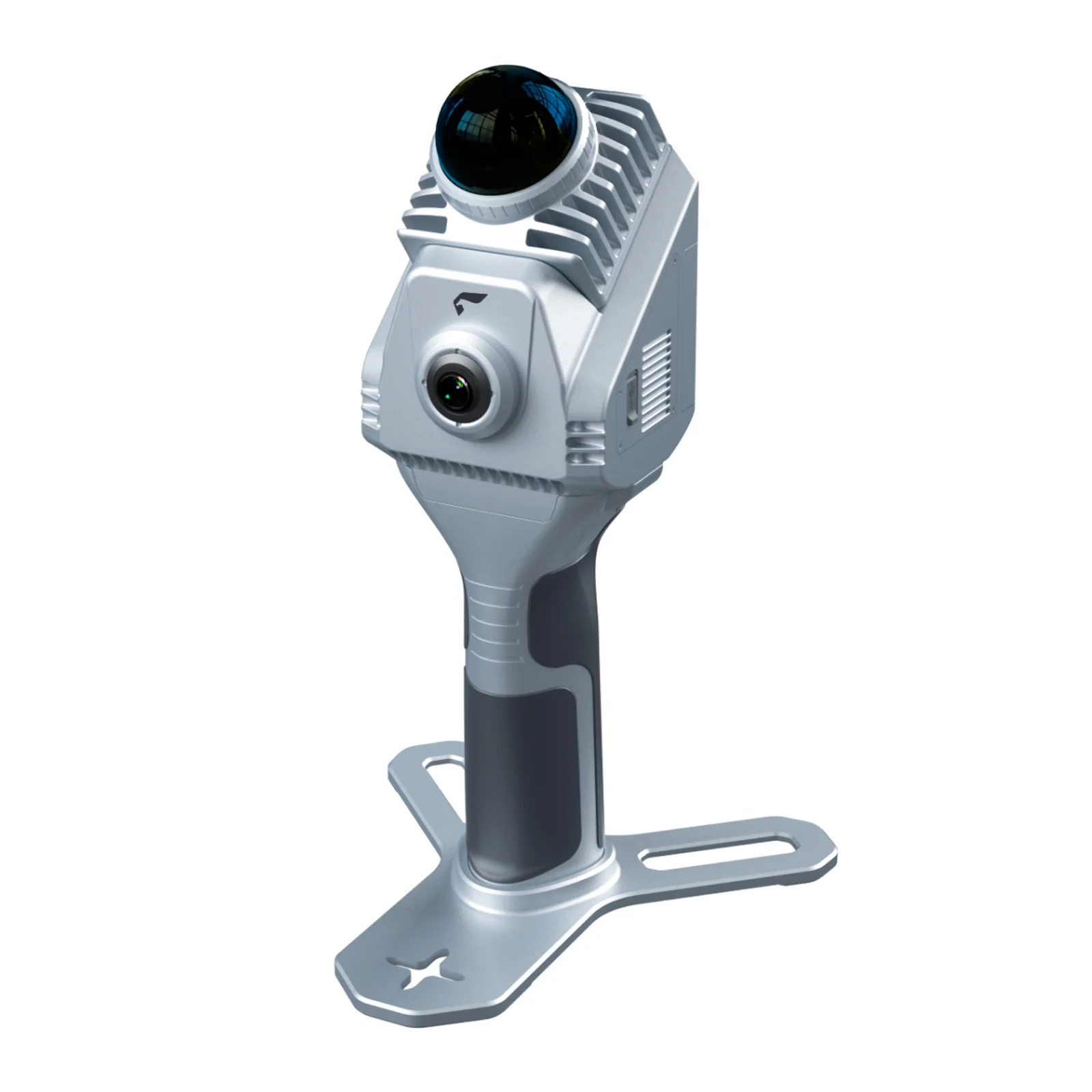
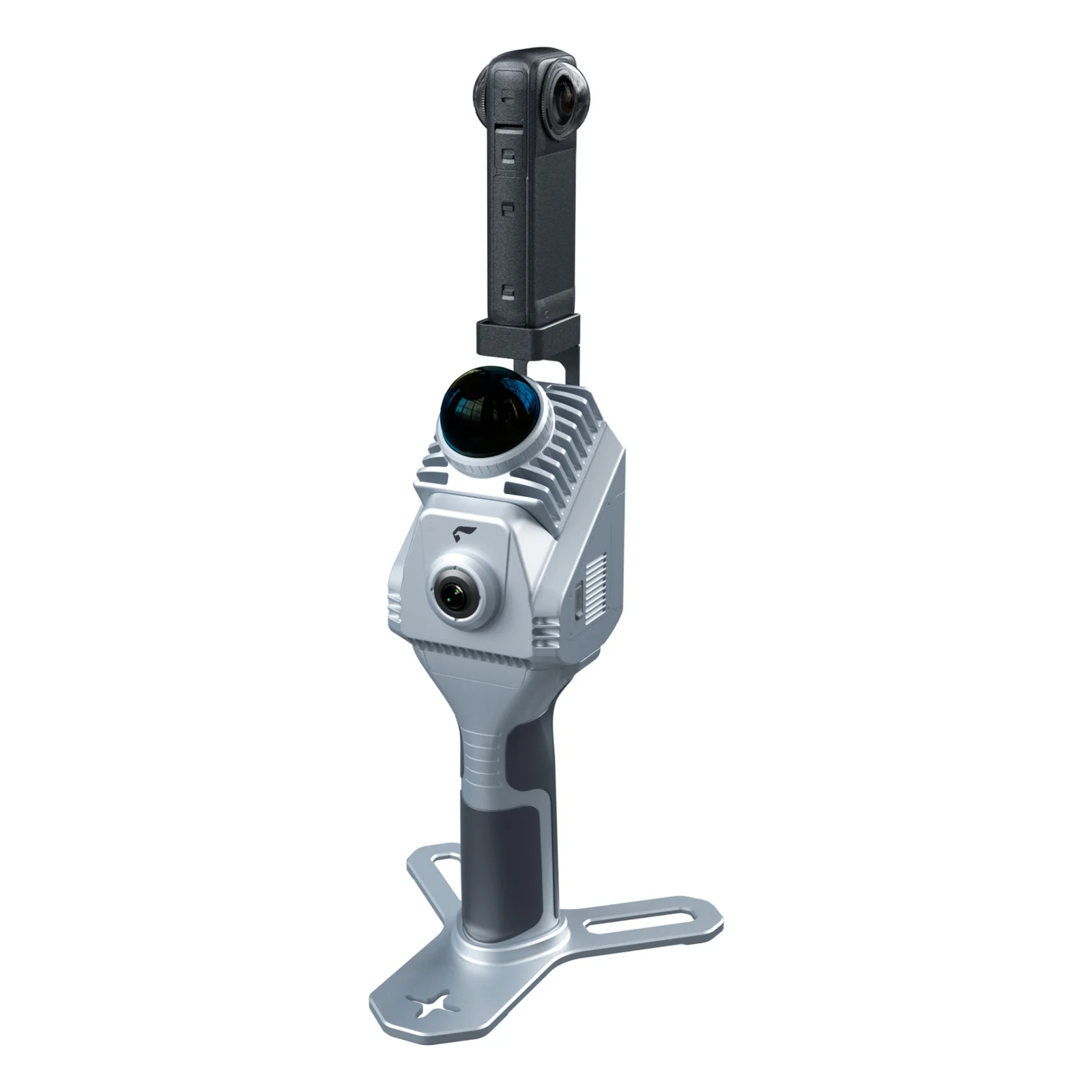
Image 1. Handheld SLAM1000 scanner
with Insta360 camera attached
1. General information about SLAM 1000
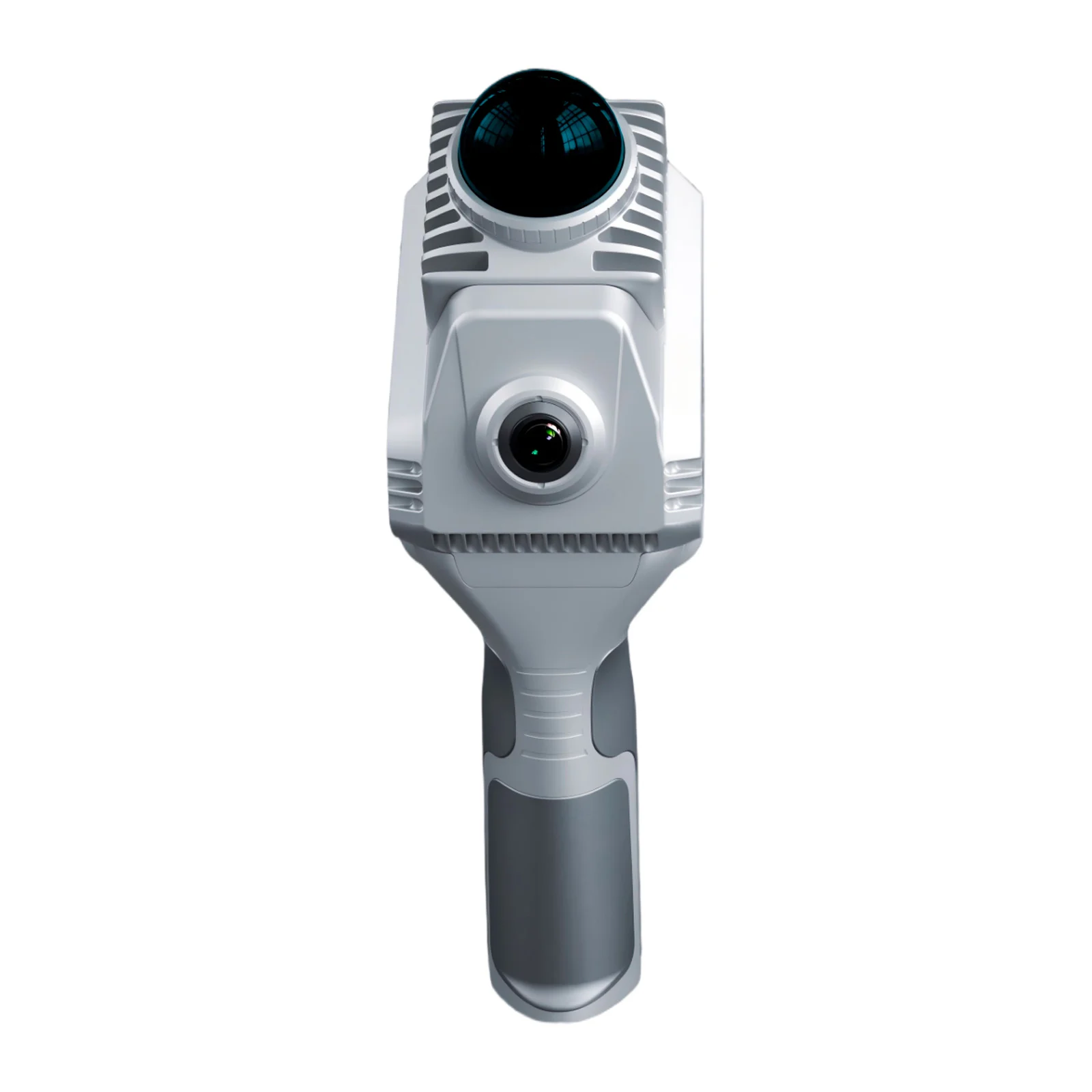
SLAM 1000 is the most compact system in the mobile laser scanner product line. The device is designed for high‑precision 3D mapping of medium‑scale objects and is an effective solution for rapid surveying in conditions where using heavy systems or conventional total stations is impractical due to time constraints or lack of GNSS signals.
While the SLAM 200 and 200E are aimed at surveying large industrial sites and quarries with ranges up to 300 metres, the SLAM 1000 is optimised for objects with a scanning range of up to 70 metres.
Key features:
Ergonomics
The SLAM 1000 is the lightest solution in the range, optimised for prolonged handheld operation. The reduced weight compared to higher‑end models decreases operator fatigue and simplifies surveying in confined and hard‑to‑reach environments.
Stability
The instrument is built on the same technology stack as the higher-end models, including an industrial-grade IMU. This ensures robust reconstruction and reliable data stitching during motion.
Operational accuracy
The system is oriented towards tasks that require high geometric fidelity at medium distances, including interior surveys, façades and objects with complex structures.
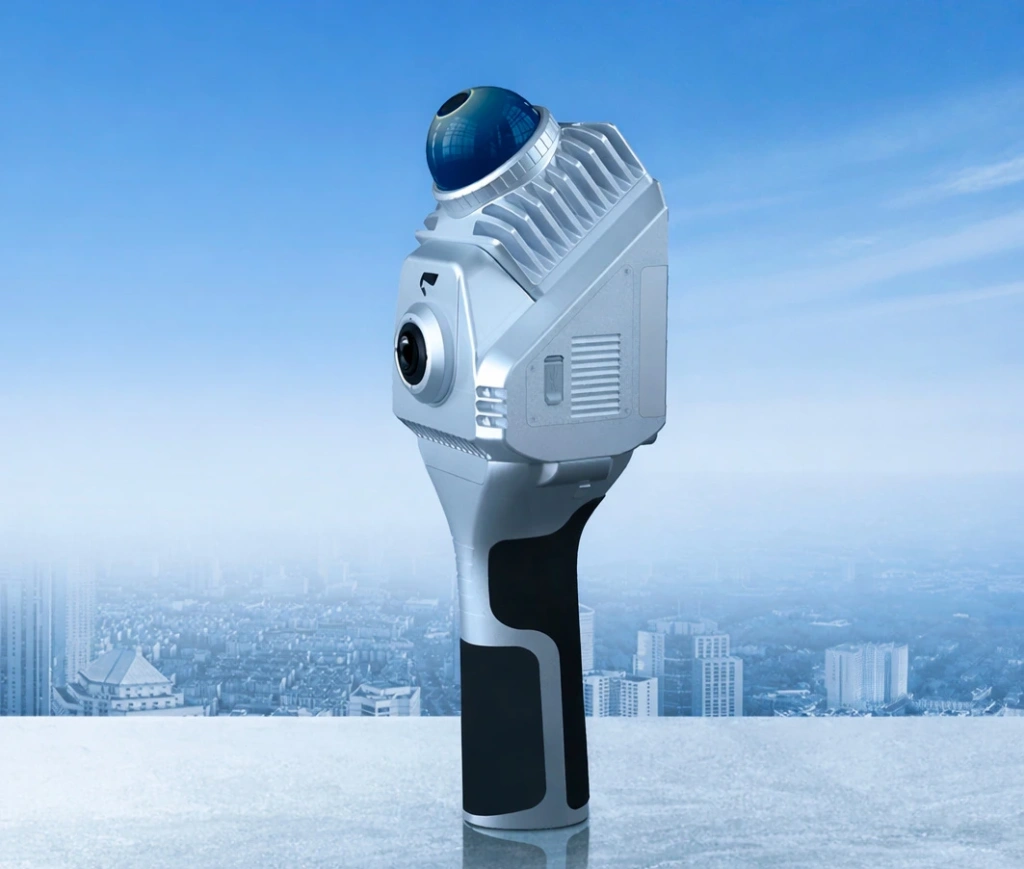
Image 2. SLAM1000
Visual richness of data
The integrated panoramic camera produces a coloured point cloud suitable not only for measurements but also for visual analysis, photographic documentation and creating realistic 3D models.
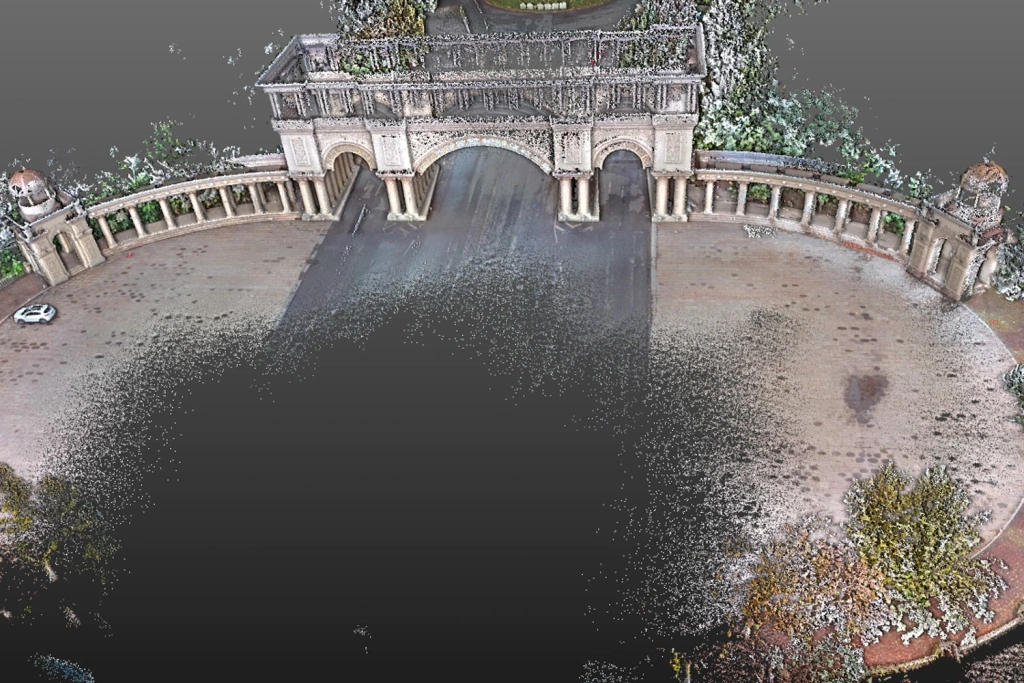
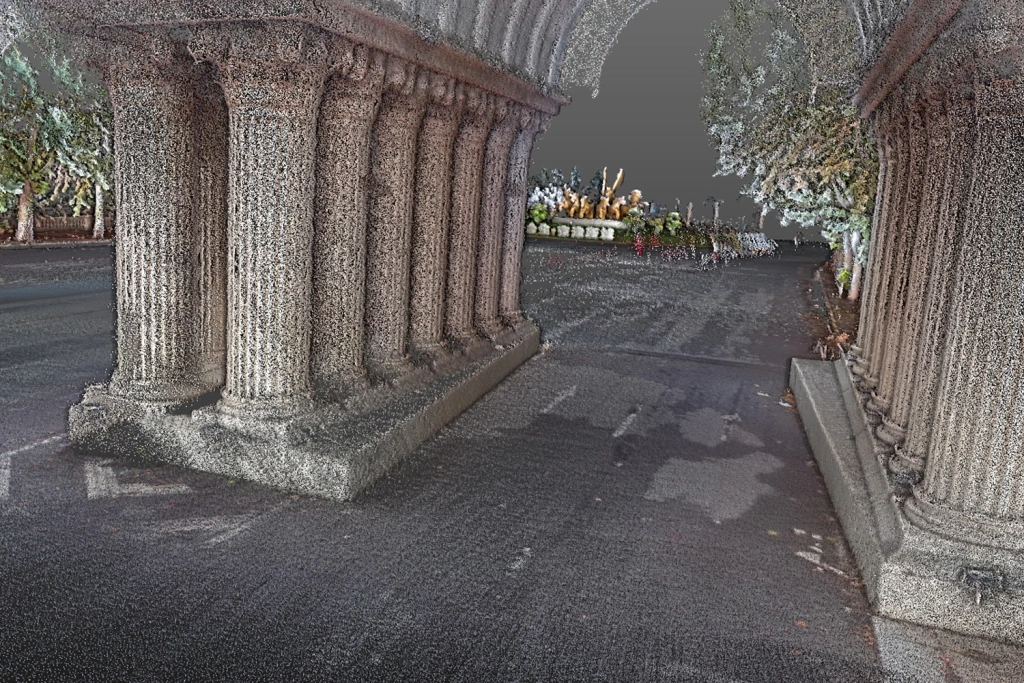
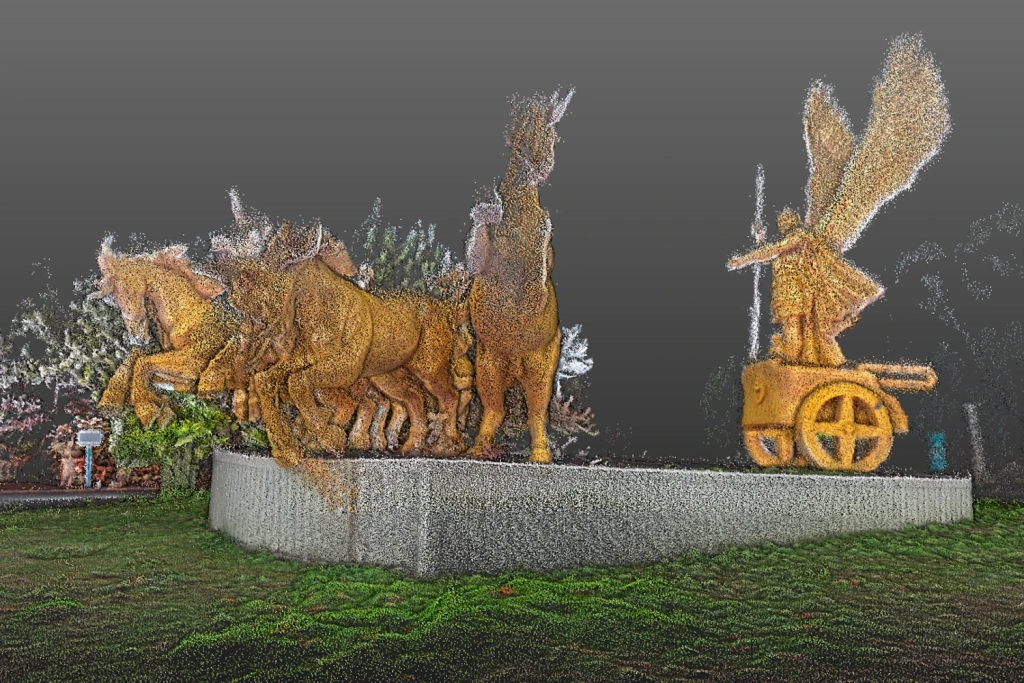
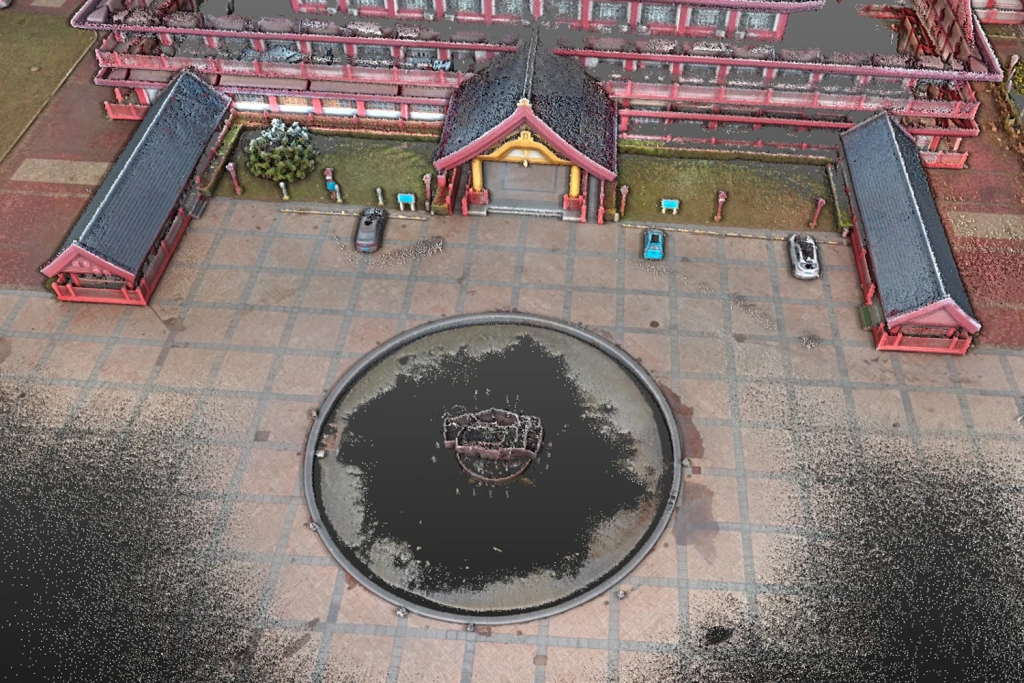
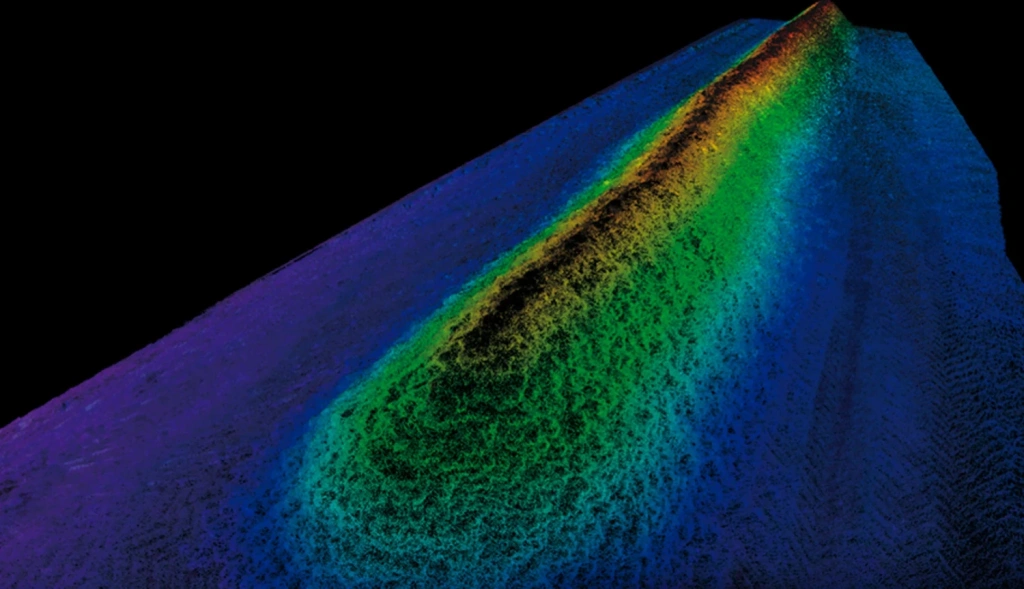
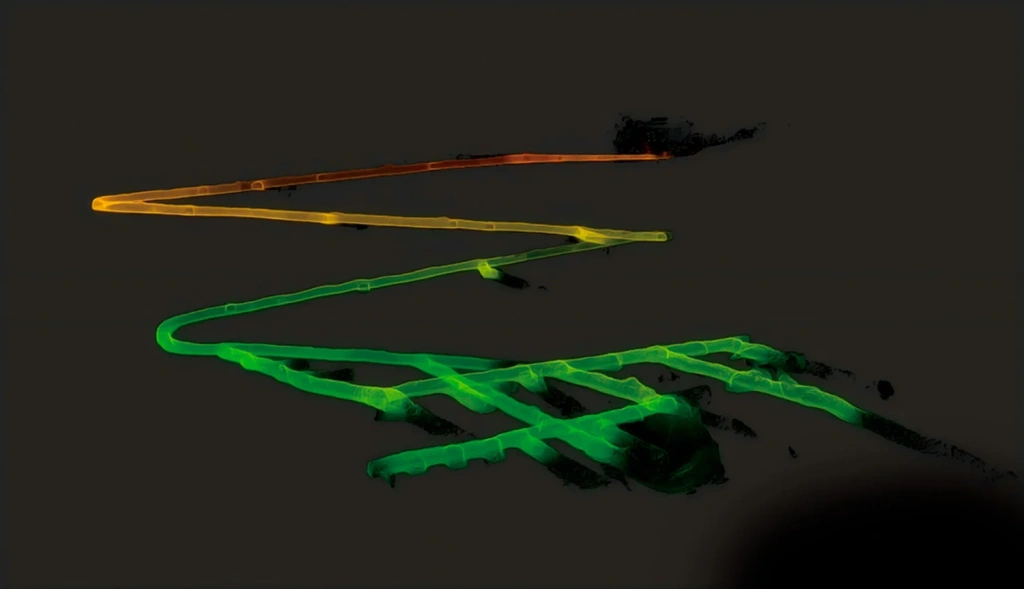
Images 3‑8. Examples of point clouds from the SLAM1000 scanner.
You can also download and review sample data from the SLAM1000 scanner in *.las format by following this link.
2. SLAM 1000 scanner specifications
Main specifications
| Parameter | Value |
|---|---|
| Weight (scanning module only) | 0.65 kg |
| Weight (with battery and base) | 1.16 kg |
| Dimensions (with battery and base) | 283.8 × 173.8 × 170 mm |
| Power consumption | 18 W |
| Built‑in storage capacity | 512 GB SSD |
| Lithium battery type | SP30 |
| Operating time | 102 min |
| Operating temperature range | –20 °C ... +50 °C |
| Allowable humidity | < 95% |
| Protection class | IP54 |
Laser scanner
| Parameter | Value |
|---|---|
| Wavelength | 905 nm |
| Laser safety class | Class 1 |
| Effective range | 0.1 m – 70 m |
| Field of view (FOV) | 360° (H) / –7° ... +52° (V) |
| Scanning speed | 200,000 points/s |
| Update rate | 10 Hz |
Vision system and IMU
| Parameter | Value |
|---|---|
| Resolution of each camera | 12 MP |
| Camera field of view (FOV) | 360° (H) / –7° ... +52° (V) |
| IMU zero‑bias stability | 3°/h (industrial grade) |
| Minimum angular random walk (ARW) | 0.1°/√h |
Connectivity and interfaces
| Parameter | Value |
|---|---|
| Type‑C1 | SSD (data transfer) / Charging |
| Wi‑Fi | Supported |
| Bluetooth | Supported |
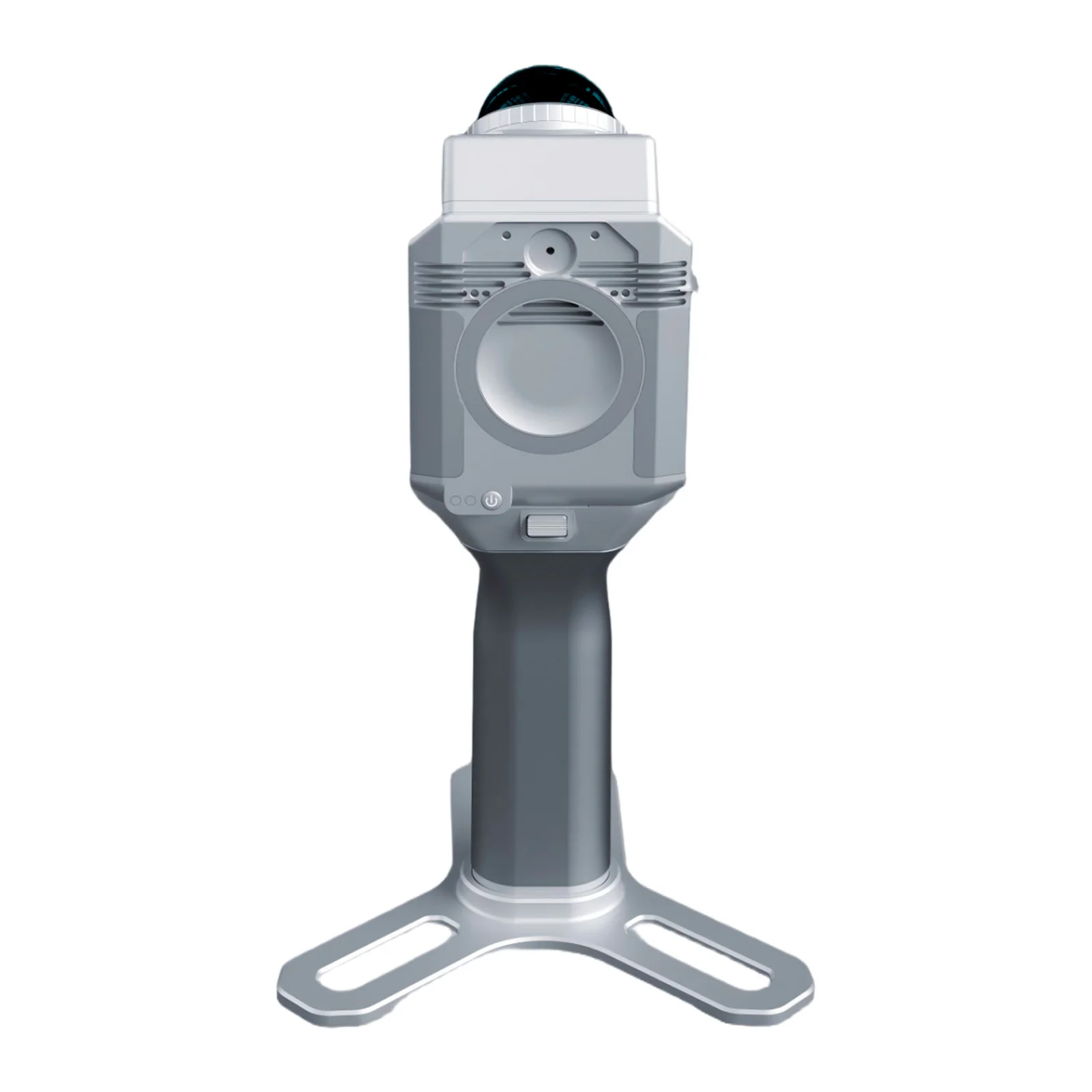
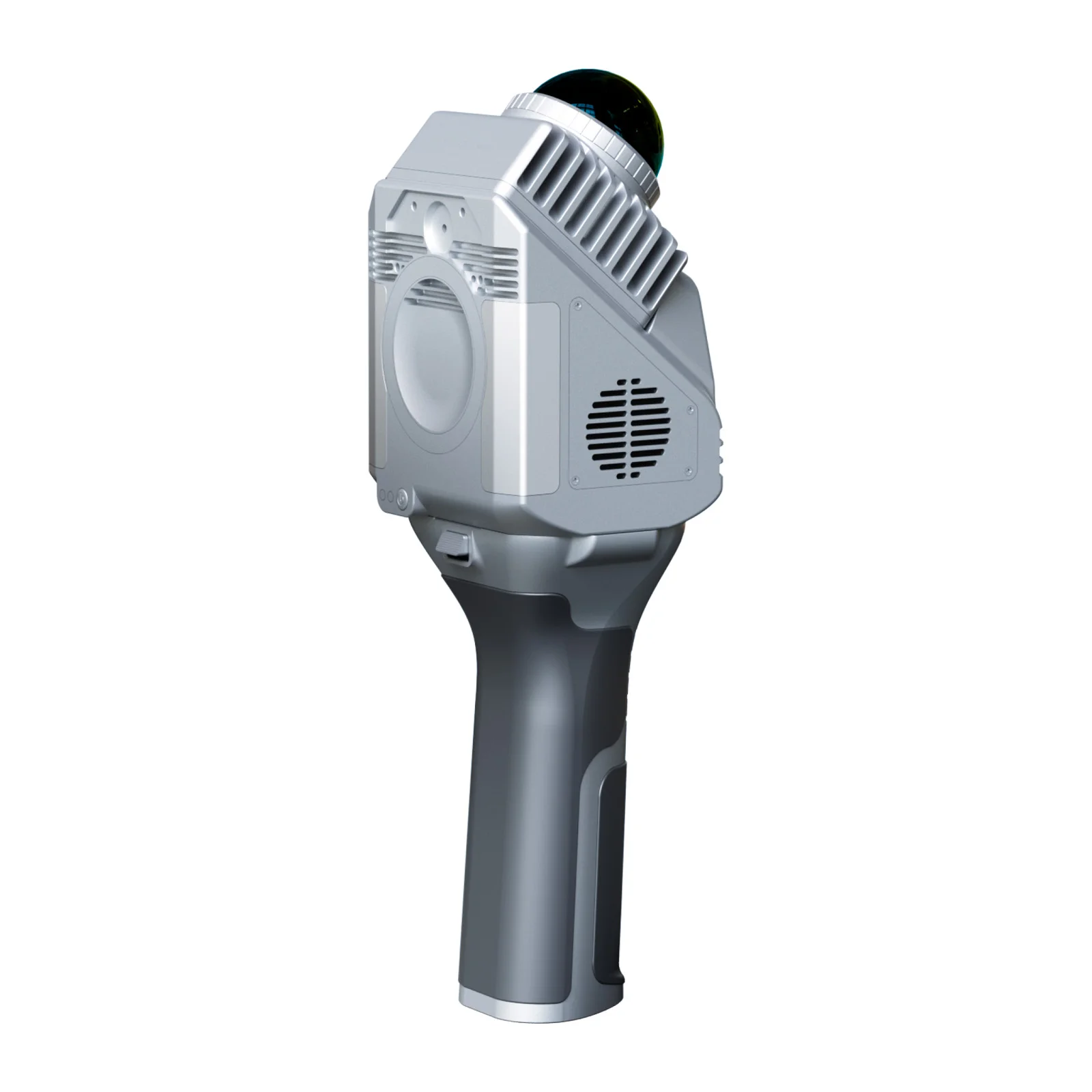
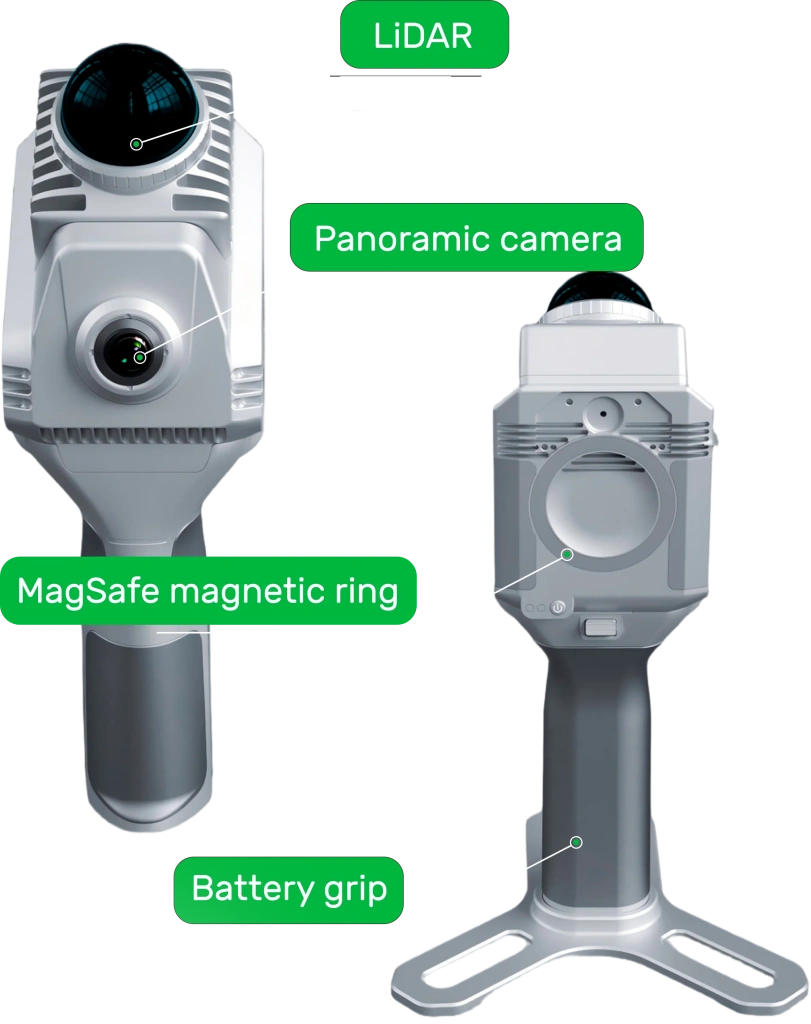
3. Scanner components
4. Key advantages of SLAM 1000
The SLAM 1000 can solve a wide range of tasks, from rapid as‑built surveys to creating measurable digital twins. The system’s efficiency is based on six key aspects.
4.1. High‑precision point cloud
The system is equipped with a non‑repetitive scanning laser and an industrial‑grade inertial measurement unit (IMU). This guarantees high detail and stable data geometry even in challenging conditions such as tunnels or factory floors.
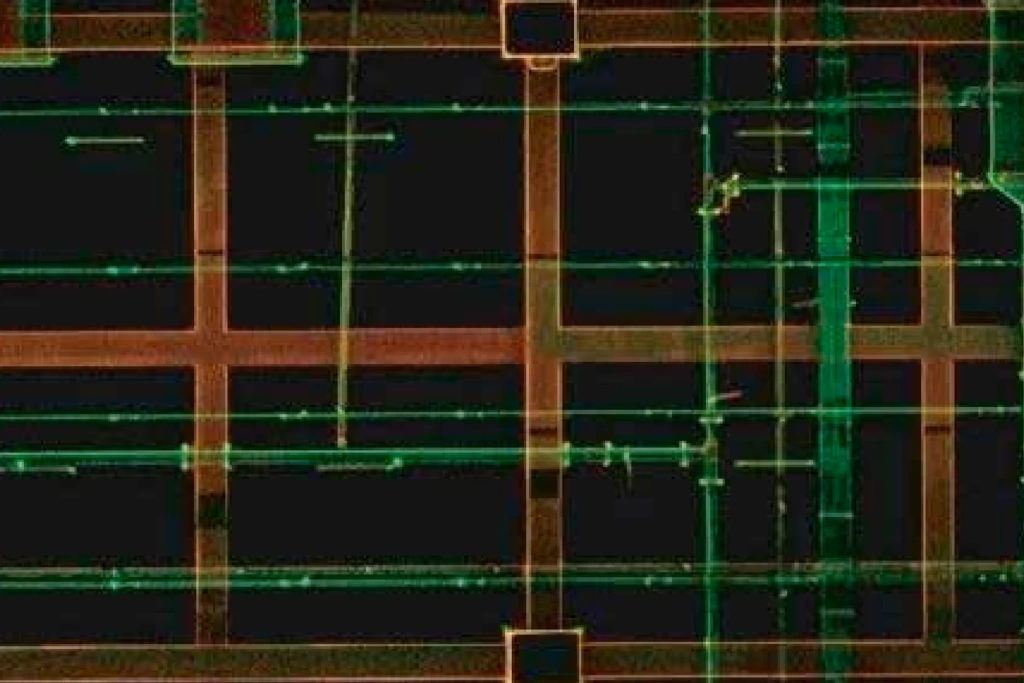
Image 9. Example of detail
4.2. Coloured point cloud
The built‑in panoramic camera with a resolution of 12 MP (photo resolution 2704 × 2208 pixels) captures images with a 360° horizontal field of view. This produces coloured point clouds with exceptionally realistic colour reproduction for every pixel, which is critically important for BIM modelling, asset inventory and high‑quality visualisation of objects.
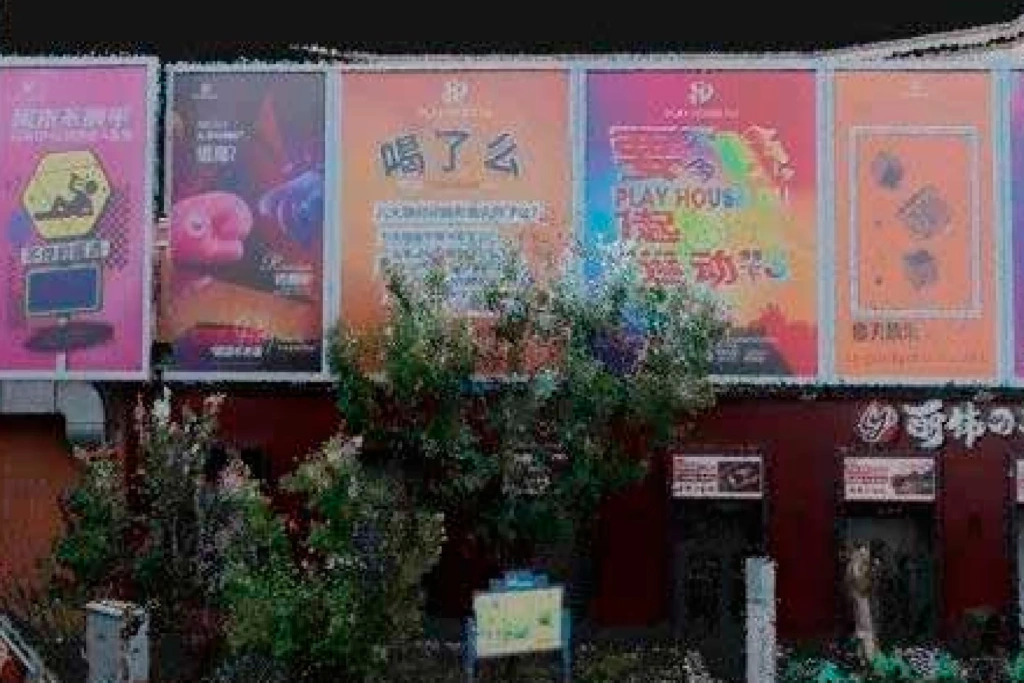
Image 10. Example of a coloured point cloud
4.3. Real‑time mapping
The SLAM 1000 supports Real‑time Mapping, generating a digital twin directly during the walkthrough. The operator can monitor the point cloud density on a smartphone screen, allowing immediate assessment of coverage and eliminating the risk of blind spots. Ready‑to‑use results are available for analysis immediately after the scanning session ends.
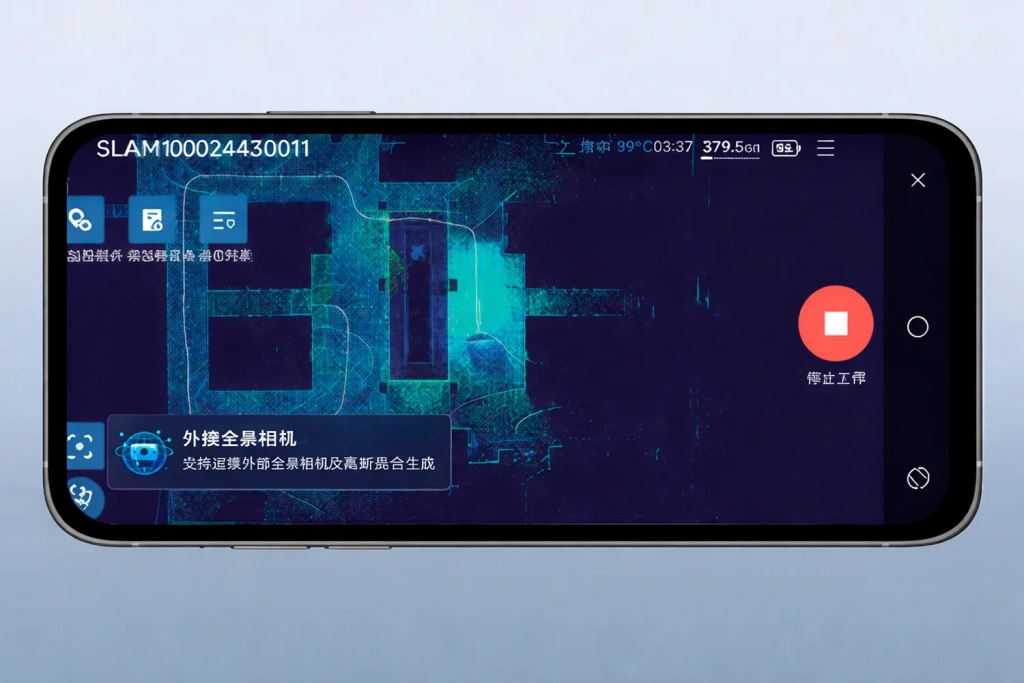
Image 11. SLAM GO mobile app
4.4. MagSafe mount
A unique feature for devices in this class is the built‑in MagSafe magnetic ring. It allows the operator to attach a smartphone to the scanner body in one motion, turning the mobile device into a securely fixed remote control and data visualisation monitor in the field.
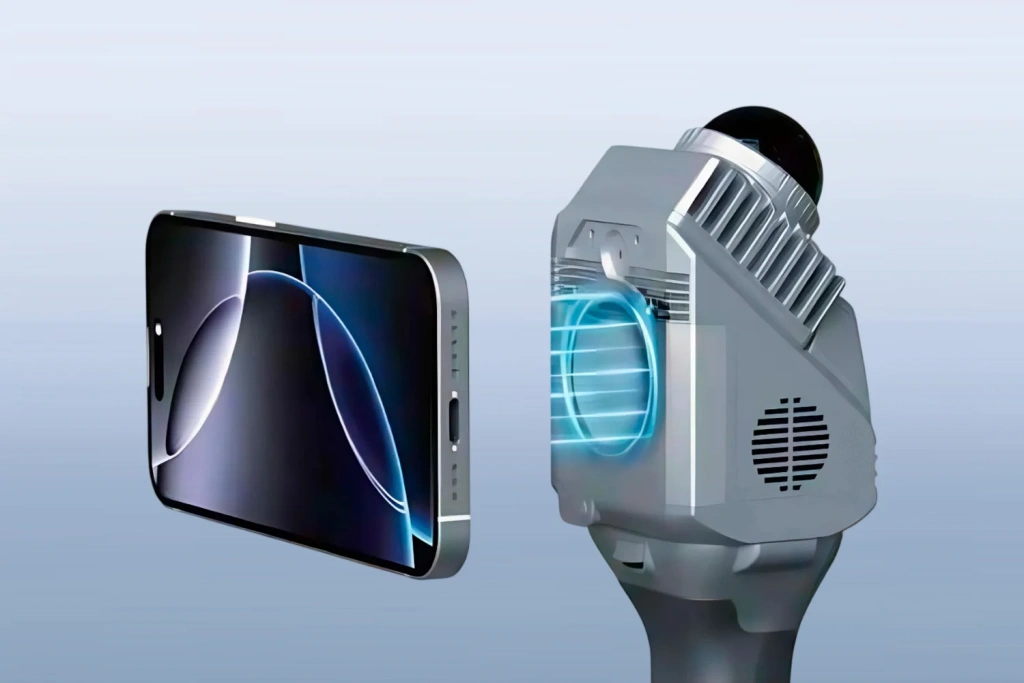
Image 12. MagSafe mount
4.5. External panoramic camera
The instrument supports connection to professional‑grade external panoramic cameras to expand visualisation capabilities. This is especially relevant for generating models using 3D Gaussian Splatting (3DGS). Thanks to the accurate spatial trajectories derived from the SLAM algorithm, the resulting models have real‑world scale (1:1) and are suitable for precise engineering measurements.
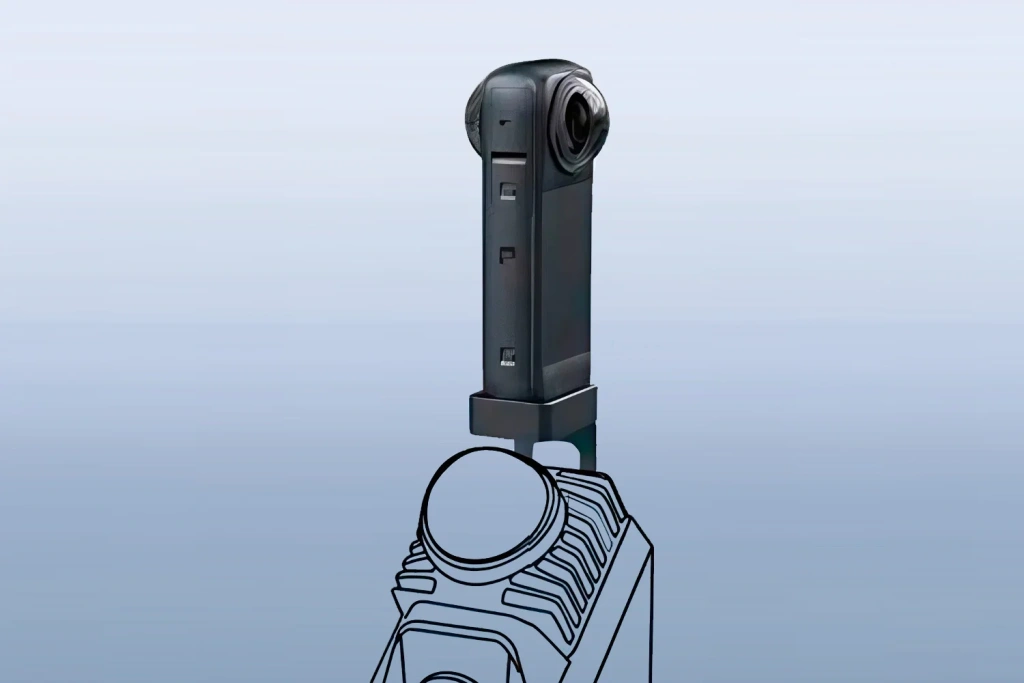
Image 13. Connecting Insta360
4.6. Lightweight and portability
The entire field kit, including the scanner, batteries and accessories, is packed in a case measuring 189 × 232 × 115 mm — smaller than a standard A4 sheet. With a main module weight of just 0.65 kg (1.16 kg when ready to operate), the SLAM 1000 offers exceptional mobility, allowing the system to be carried in a regular backpack or as hand luggage.
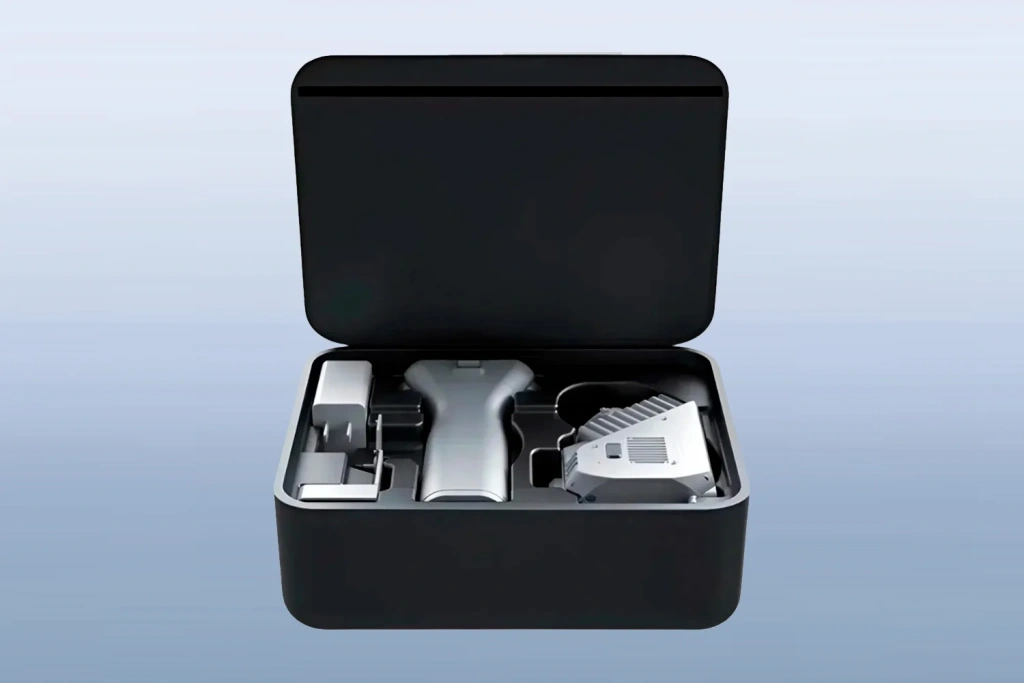
Image 14. SLAM 1000 scanner carry case
5. Software
Working with the SLAM 1000 is supported by an ecosystem of software products that covers the complete workflow — from field data collection to obtaining high‑precision digital models.
5.1. SLAM GO mobile app
SLAM GO (compatible with Android and iOS) serves as the primary interface for controlling the scanner directly on site. The app provides a stable wireless connection to the device via Wi‑Fi, allowing the operator full control over the scanning process.
In addition to basic settings, the app’s functionality includes real‑time data navigation and support for CORS systems for high‑precision positioning. A key feature is the ability to instantly assess survey quality, eliminating the need to return to the site due to missing data.
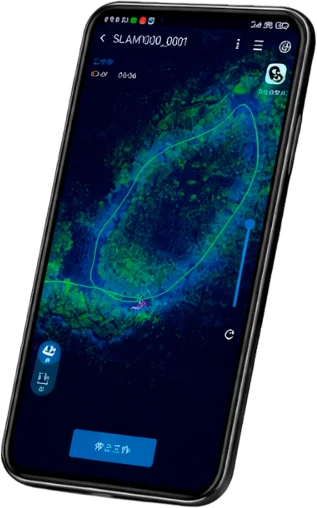
Image 15. SLAM GO mobile app
5.2. SLAM GO POST Pro desktop software
For post‑processing, the professional software SLAM GO POST Pro is used. The programme turns raw scan data into high‑precision coloured point clouds and photorealistic 3D scenes.
The software incorporates unique features to solve complex production tasks:
The programme automatically creates photorealistic 3D models from video captured by the Insta360 camera. The Gaussian Splatting technology transforms the footage not into an “empty” point cloud but into a live digital scene with sharp textures. All processes, from coordinate referencing to export in the required format, are completed in a few clicks.
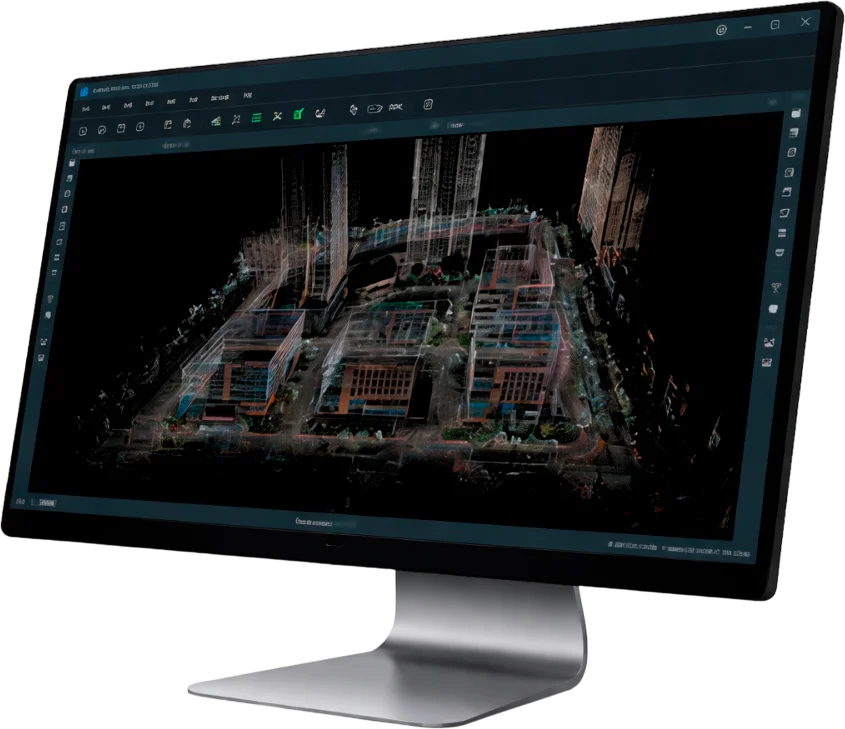
Image 16. SLAM GO POST Pro interface
6. Conclusion
SLAM 1000 represents an efficient entry‑level solution, designed as a compact and reliable assistant for rapid 3D surveys. The scanner is optimal for tasks where operator mobility and speed of data acquisition are more important than maximum scanning range.
It is an excellent “entry ticket” into mobile laser scanning technology. The instrument confidently handles most everyday tasks of surveyors and construction professionals, offering professional functionality, high accuracy and modern software in a minimal form factor.
 ❯
❯