This module allows you to exclude certain satellite constellations or specific satellites from the observation file, which may be necessary to improve data quality.
Follow the steps below to filter satellites: Go to the "Tools" tab and select "Rinex", then "Satellite Filtering".
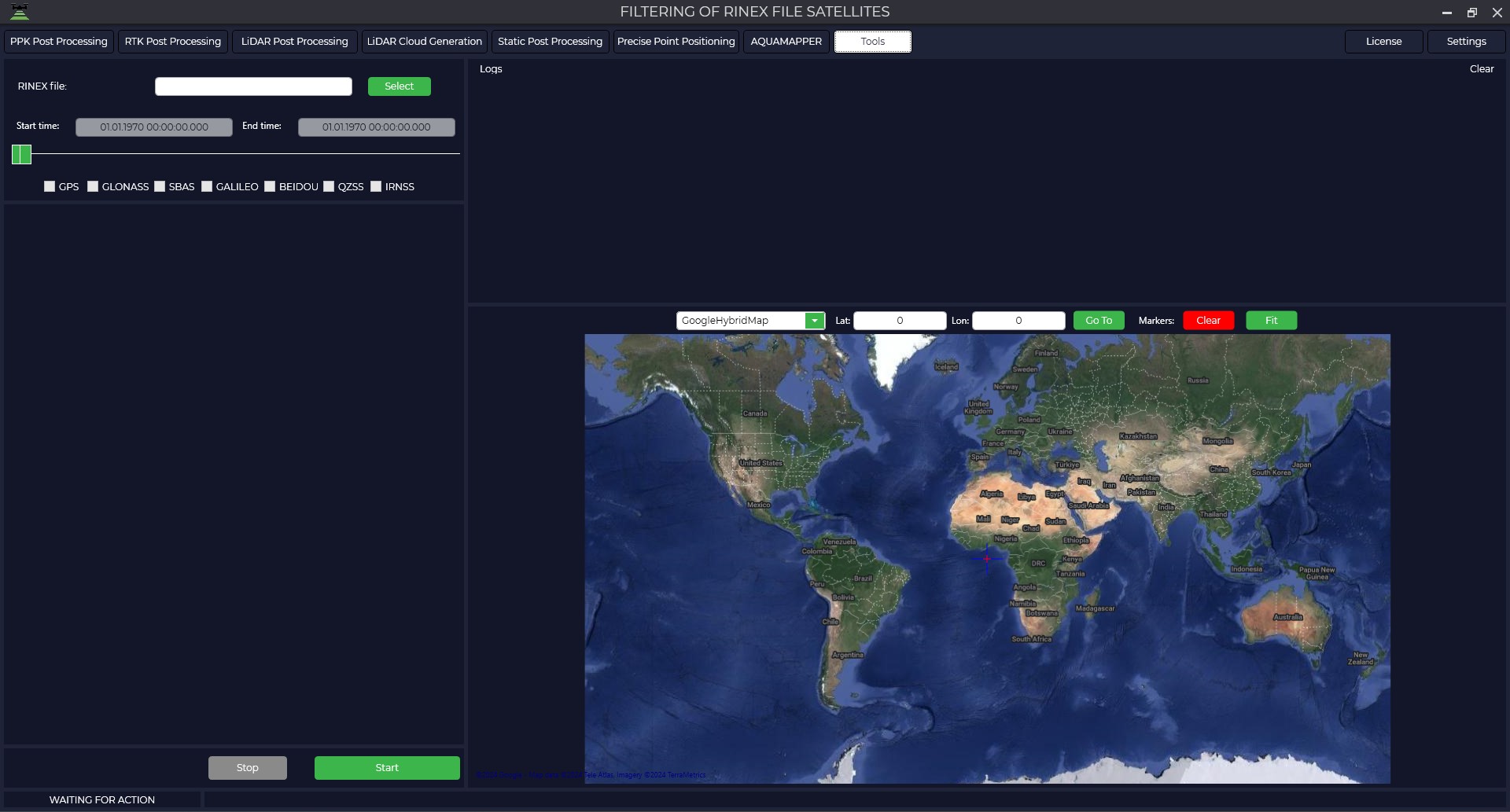
In the upper left part of the RINEX file window click the "Select" button and specify the raw observations file in *.obs format.
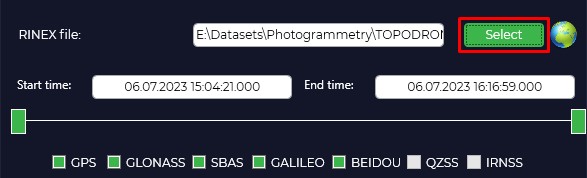
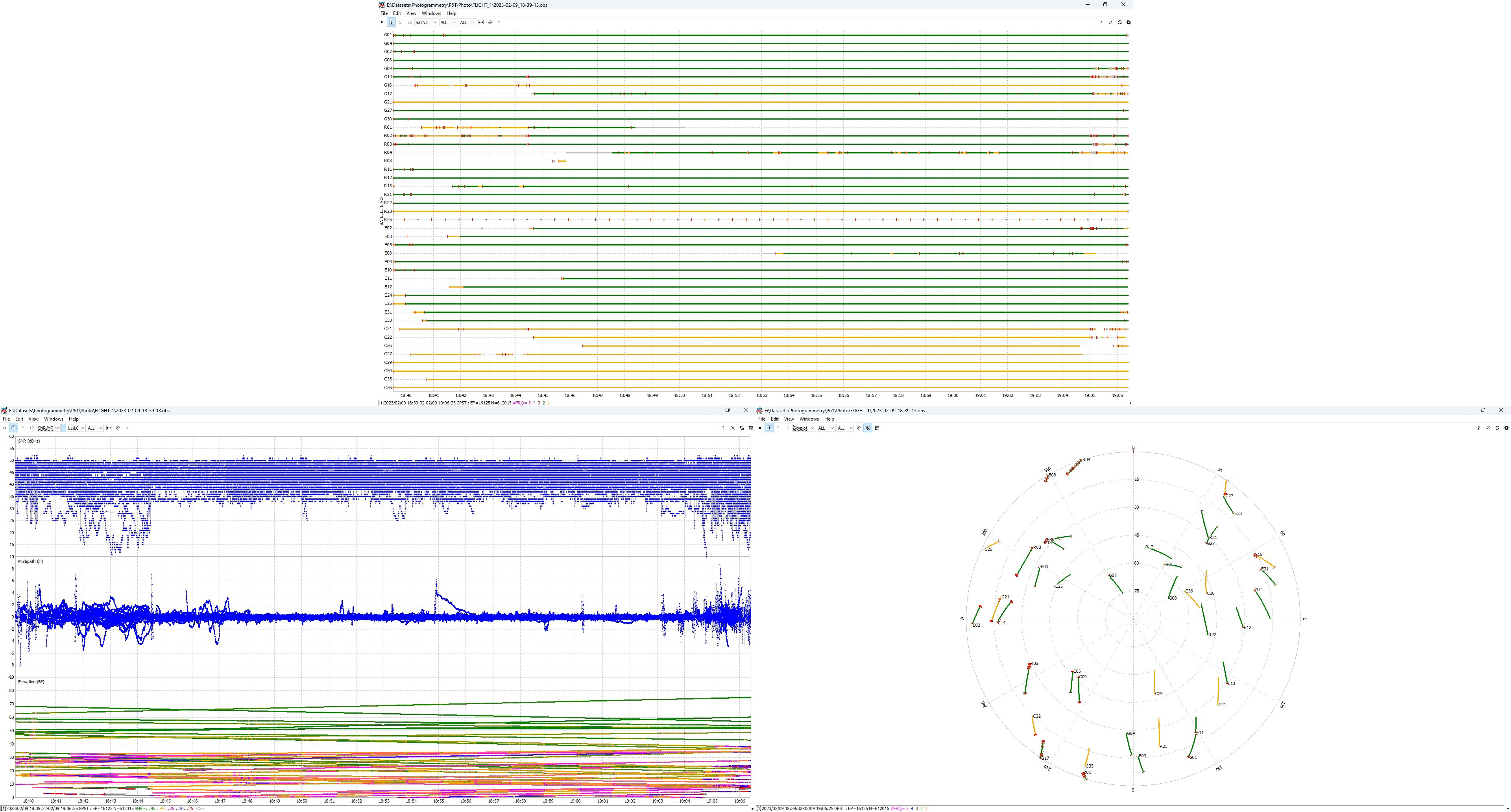
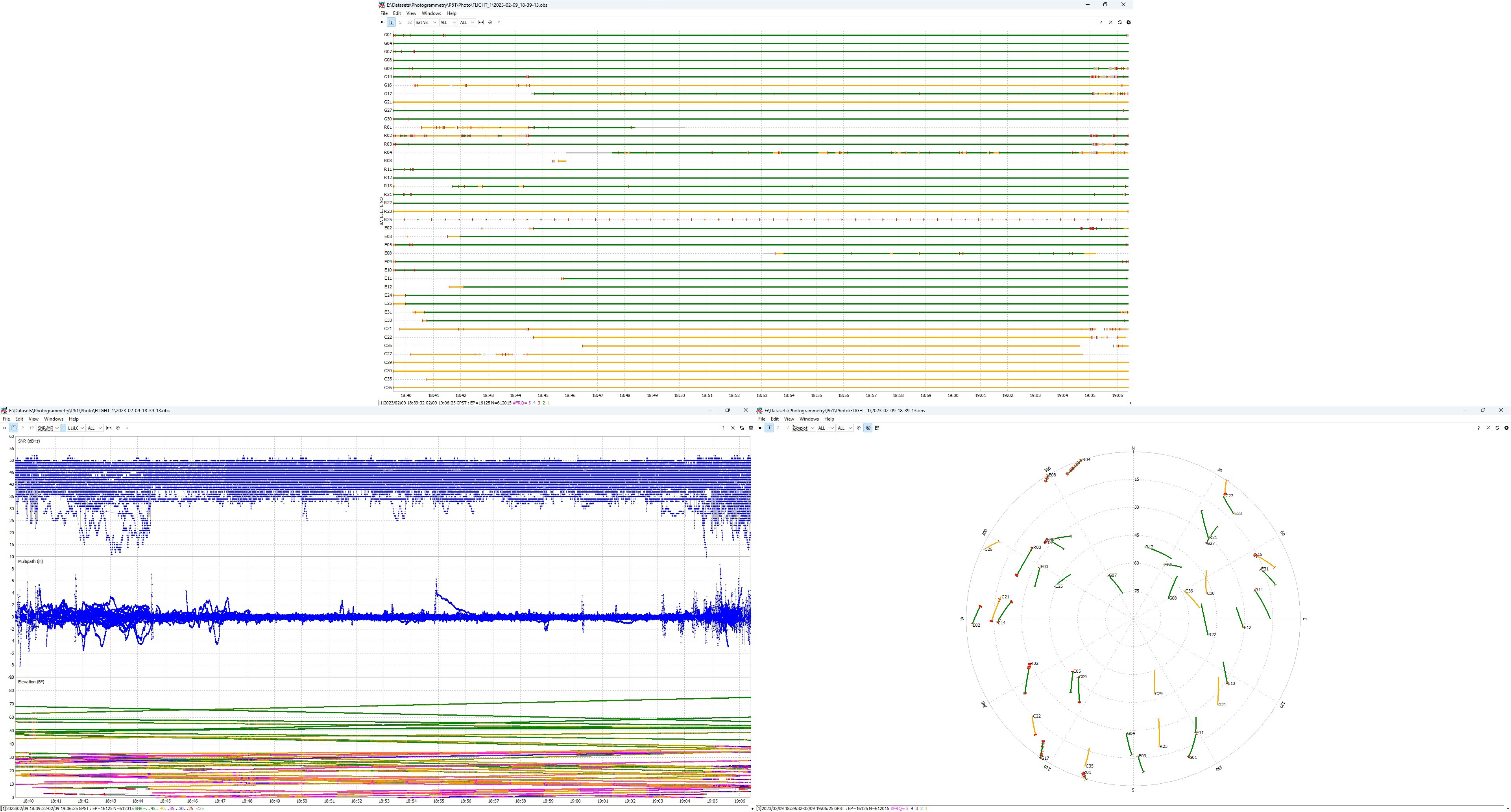
Click on the icon to view the signal quality

to open the "Plot" window, which allows you to understand which satellites may be interfering with data processing. For more information about data quality analysis, see Appendix B.
Move the sliders left and right if necessary to change the start and end time of the file.
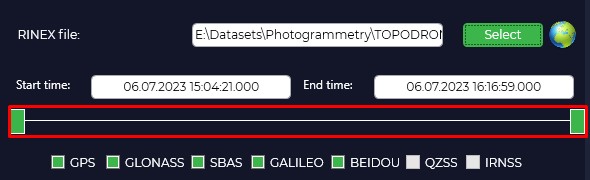
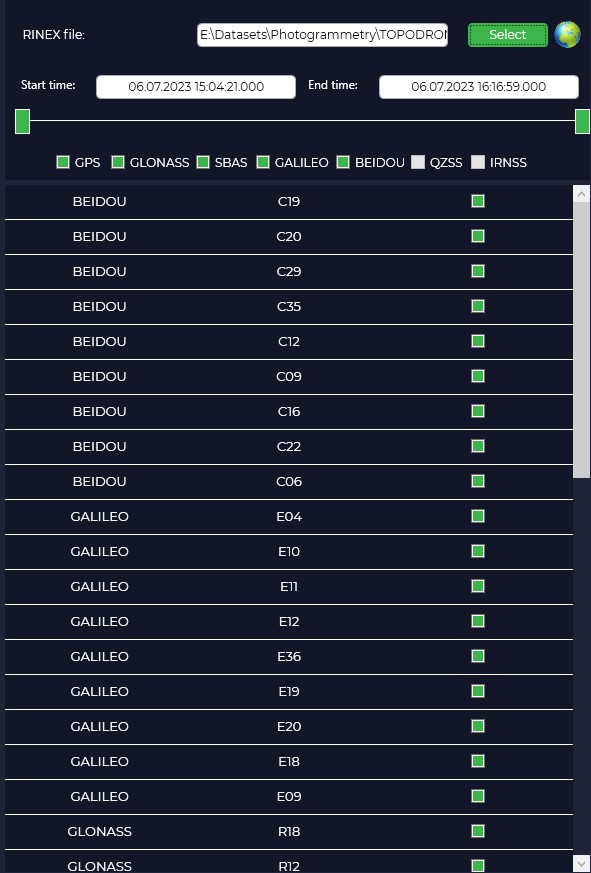
Uncheck the required checkboxes if you want to exclude certain satellite constellations (GPS, GLONASS, GALILEO and BEIDOU) or specific satellites.
Press the "Start" button. The program will save the new file, excluding the selected satellites from it.
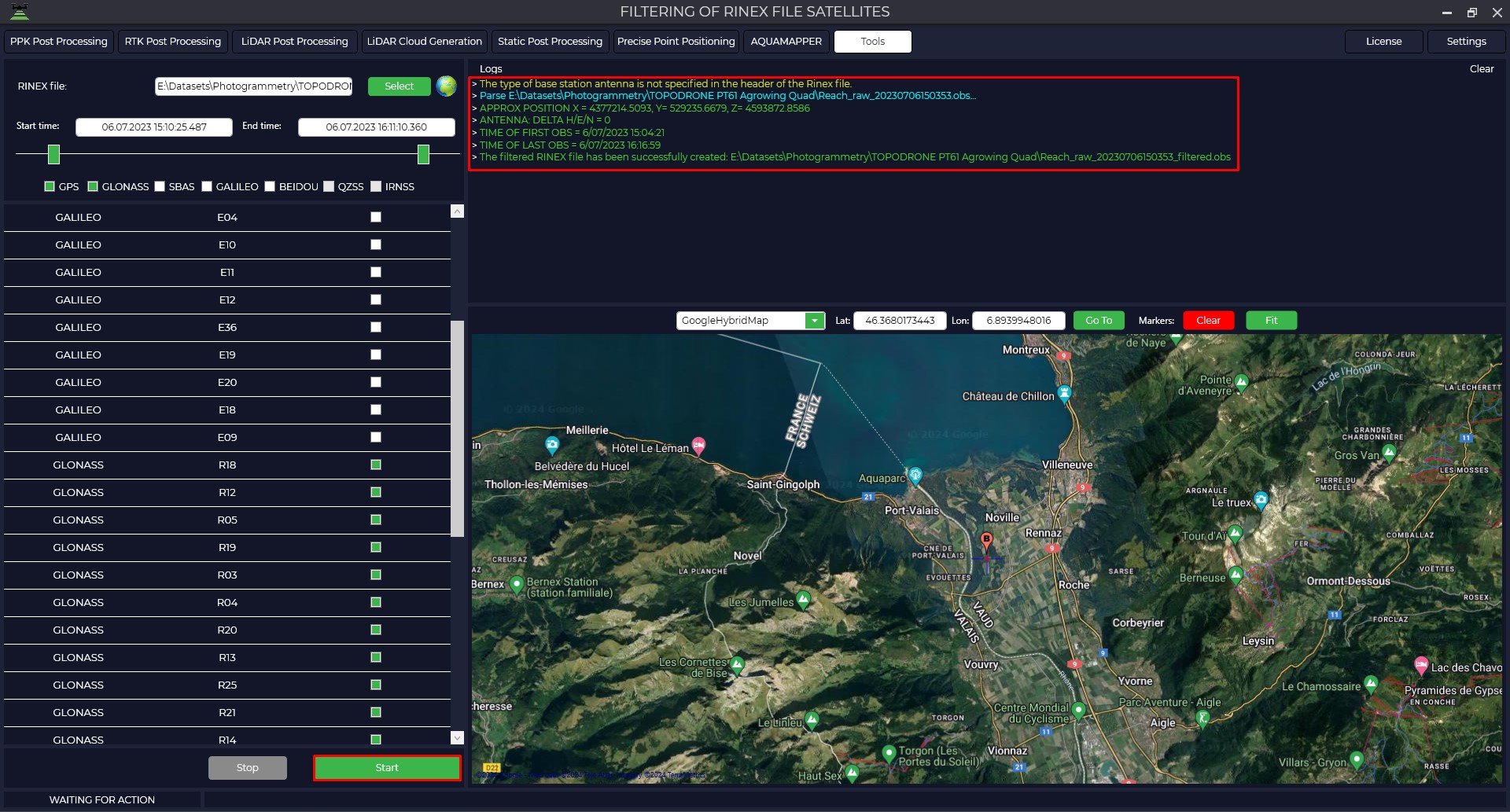
Once the satellite filtering operation has been successfully completed, you can use the resulting file for further data processing.