Fig. 5. Installing the beacon on the Topodrone DJI Air 2S PPK quadcopter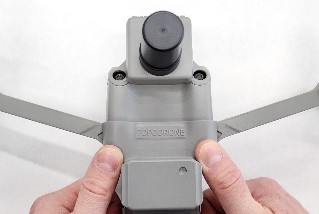 | Fig. 6. Removing the beacon from the Topodrone DJI Air 2S PPK quadcopter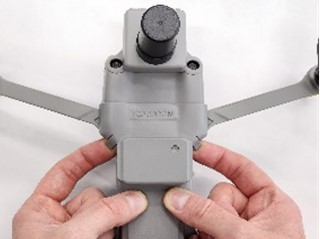 | By design, the Beacon cannot be installed on the DJI Air 2S PPK with the front arms folded. To install the Beacon, unfold the front arms of the quadcopter and place the search beacon on top of the drone with the «TOPODRONE» label facing the TOPODRONE PPK upgrade. Then press the two latches with your fingers: two distinct clicks mean the beacon is installed correctly (see Fig. 5). Fix the antenna to the body with adhesive tape. To remove the Beacon, pull the latches upward from below with your fingers (see Fig. 6). |
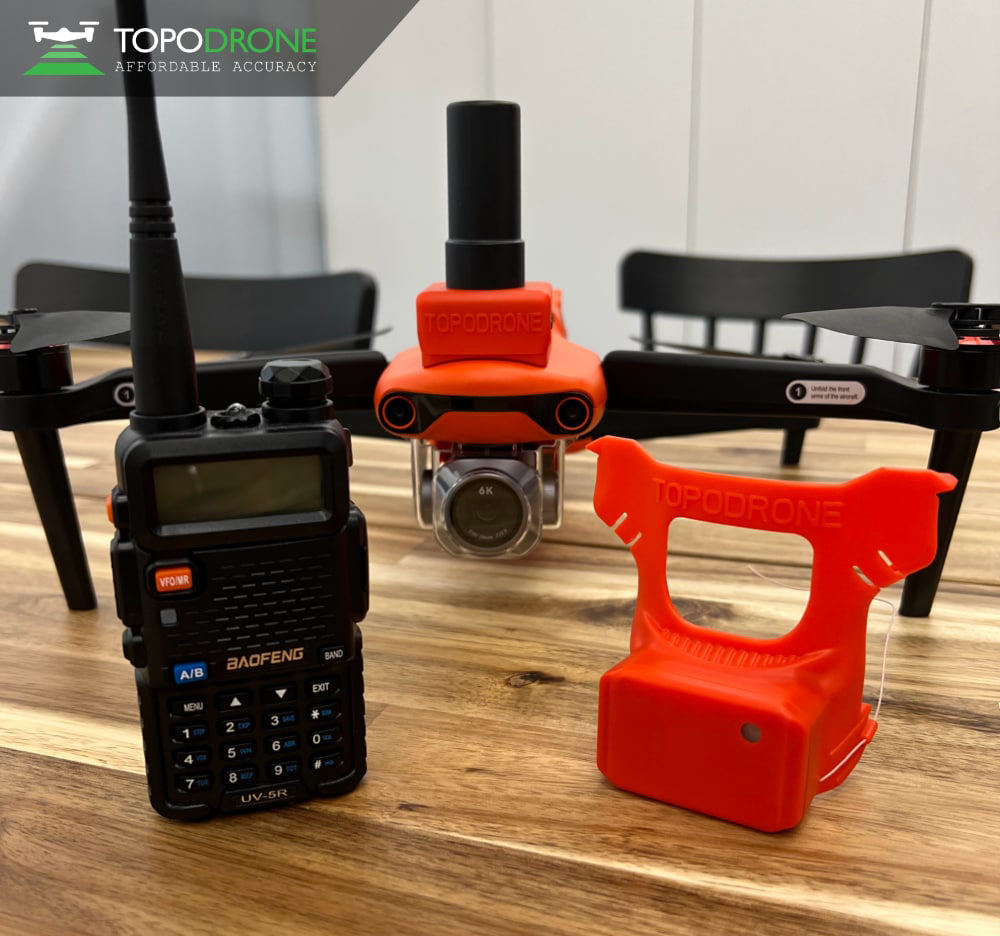 | 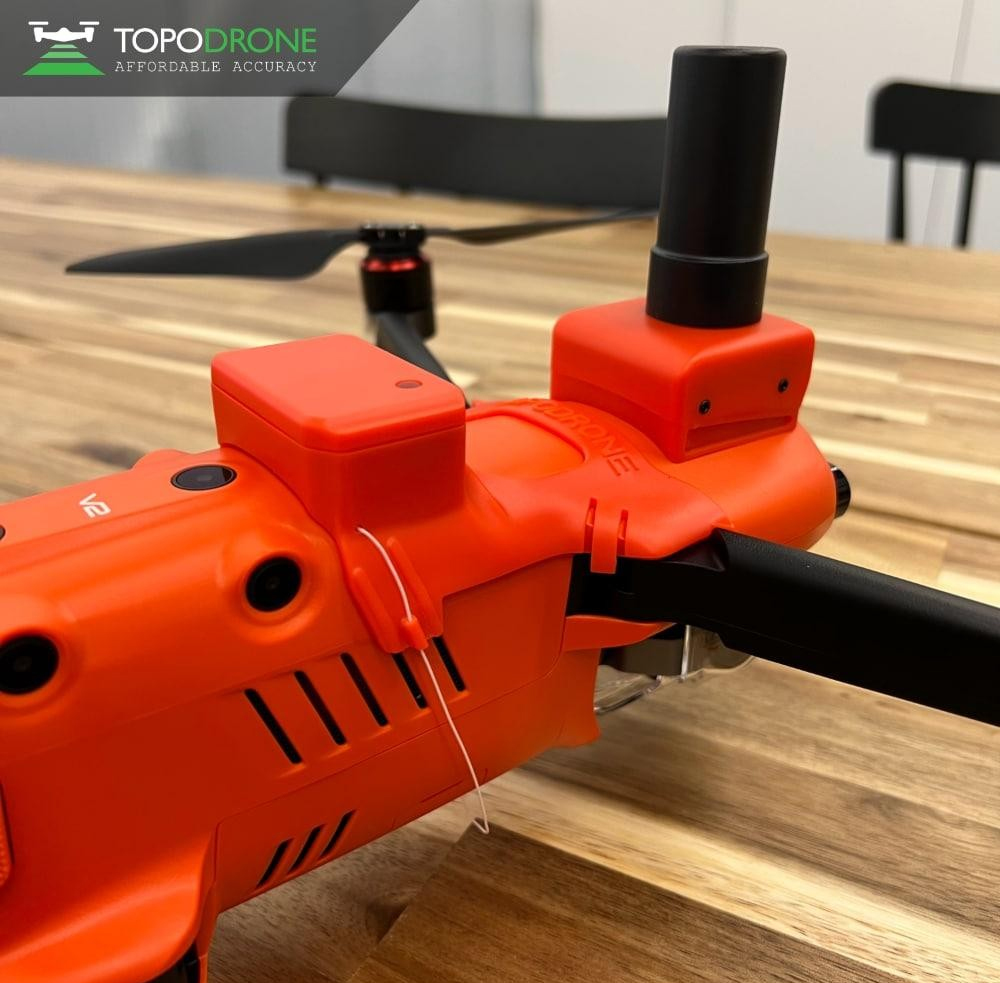 | The Beacon is installed on the Autel Evo 2 Pro quadcopter in the same way as on the DJI Air 2S PPK (see Fig. 5). |
| Fig. 7. Installing the beacon on Topodrone Autel Evo 2 Pro | ||
Fig. 8. Installing the beacon on Topodrone DJI Mavic 2 Pro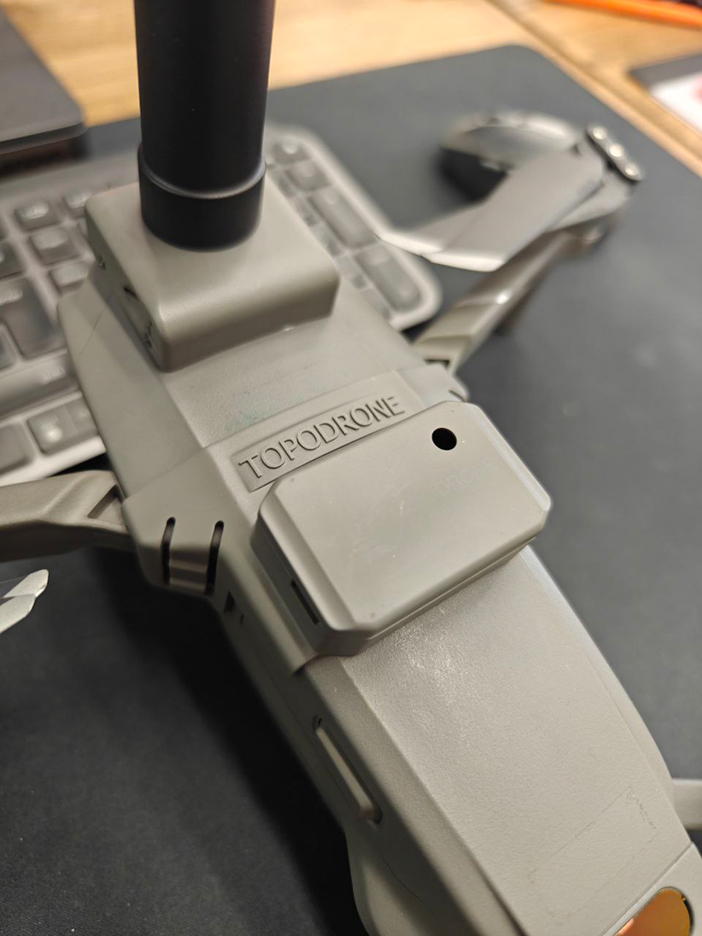 | The Beacon is installed on the DJI Mavic 2 Pro quadcopter in the same way as on the DJI Air 2S PPK (see Fig. 5). | |
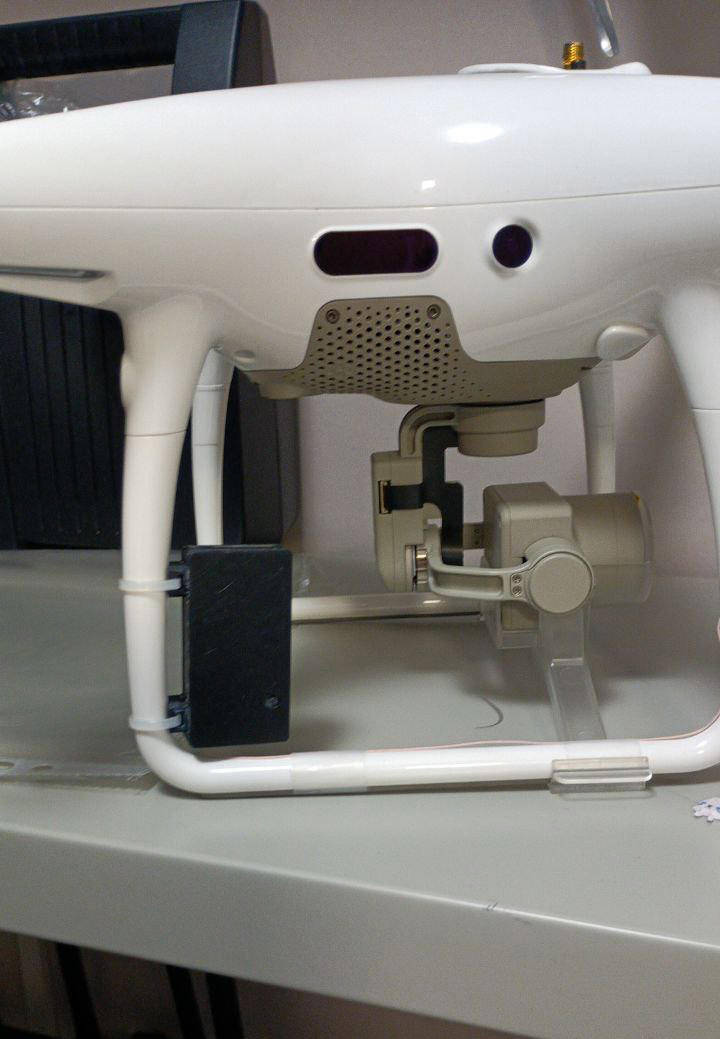 | 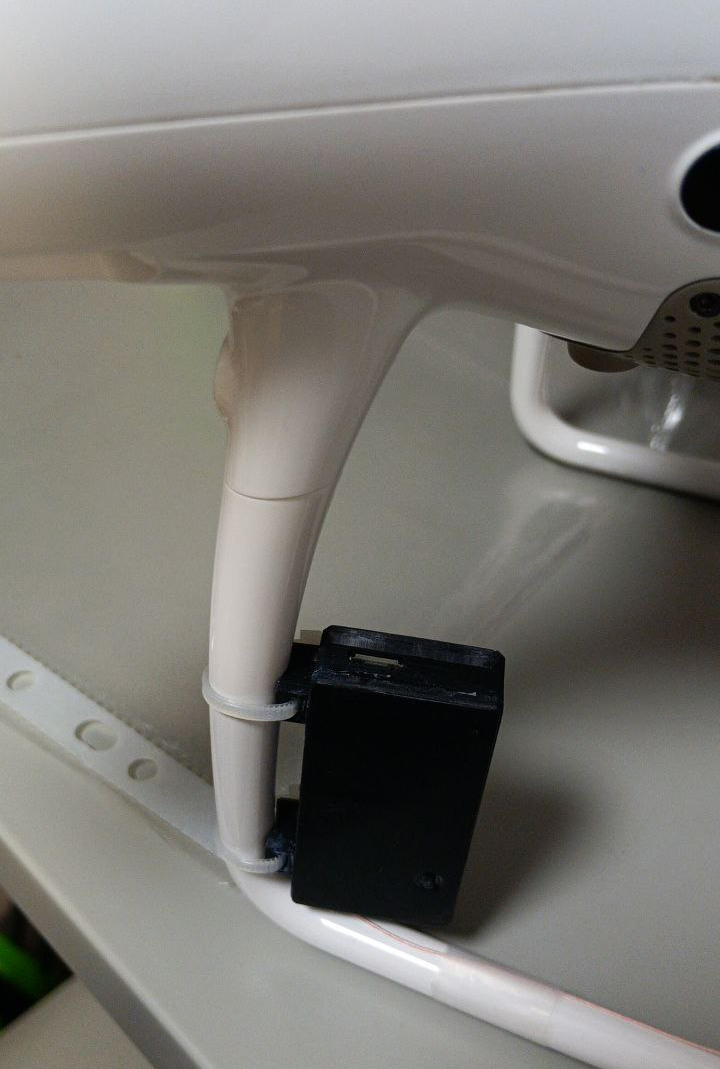 | On the DJI Phantom 4 Pro the Beacon is attached with two cable ties to the landing gear so that the Micro-USB port faces up (see Fig. 9). |
| Fig. 9. Installing the beacon on Topodrone DJI Phantom 4 Pro | ||
Fig. 10. Installing the beacon on Topodrone DJI Matrice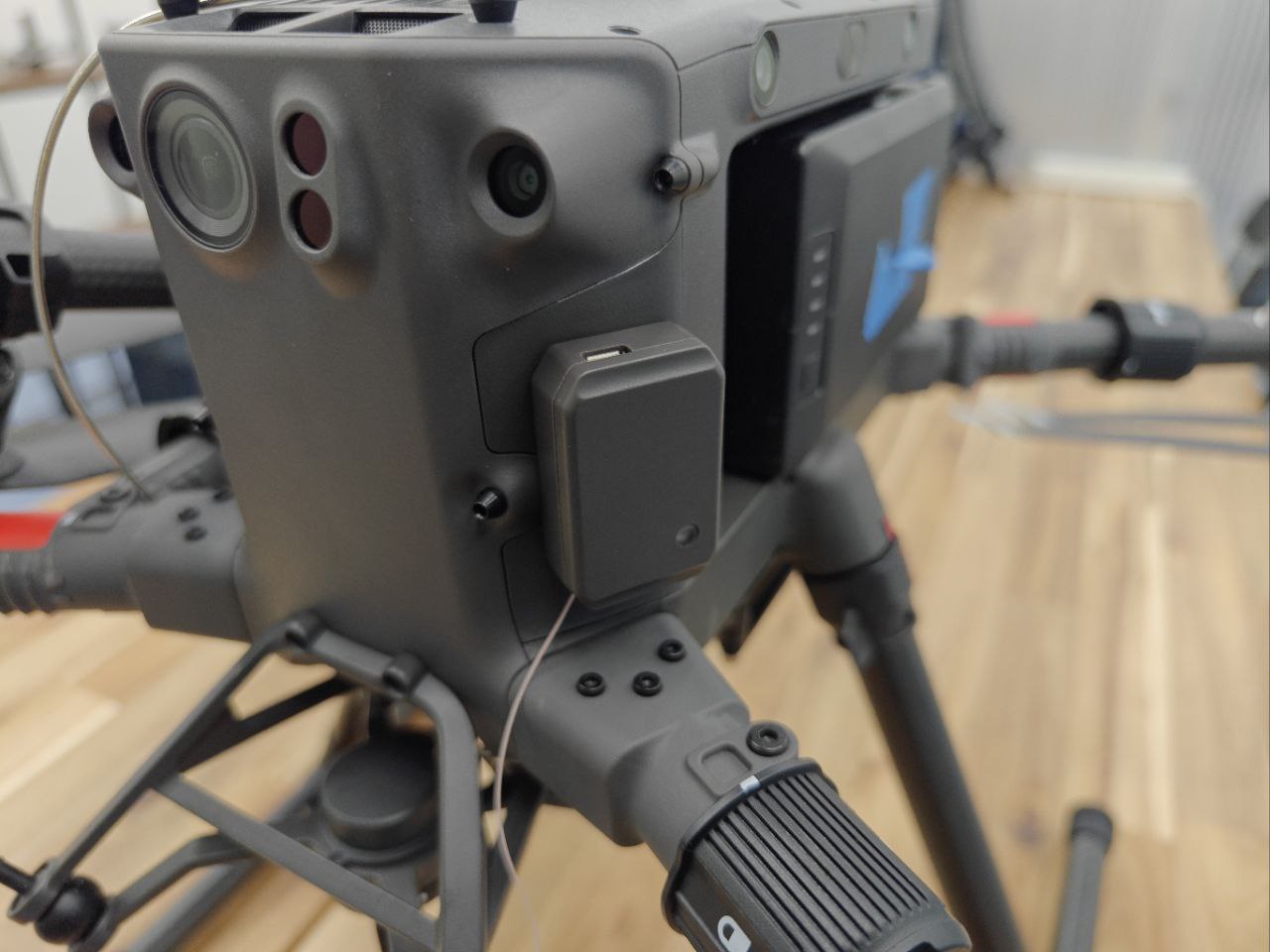 | On the DJI Matrice the Beacon is attached with double-sided tape (see Fig. 10). | |
| To switch the Beacon on or off, press the power button on top of the case. After switching on, the Beacon beeps and starts searching for GPS satellites. Finding satellites to determine its position usually takes up to 5 minutes and requires GPS/GLONASS signal. Before switching on the radio, screw on the antenna and insert the battery (if removed). Never switch on the Radio without the antenna! To switch the radio on, turn the volume knob: after a light click the radio switches on. Findy S is switched on by holding the central button for 2 seconds. It can be switched off from the menu or by holding the central button for 3 seconds until it beeps. | ||
Installing and switching on the beacon
Was this article helpful?