To connect to the TOPODRONE P24 via the web interface, the following is required:
1. TOPODRONE P24 itself with external power supply connected (VIA SHLD port or USB Type-C 2 port)
2. Any mobile device with Wi-Fi module and web browser (mobile phone, tablet, laptop, etc.).
To connect to the TOPODRONE P24 via the web interface, do the following steps:
| 1. | Enable power on the TOPODRONE P24 and wait for 30 seconds, while camera is initializing | 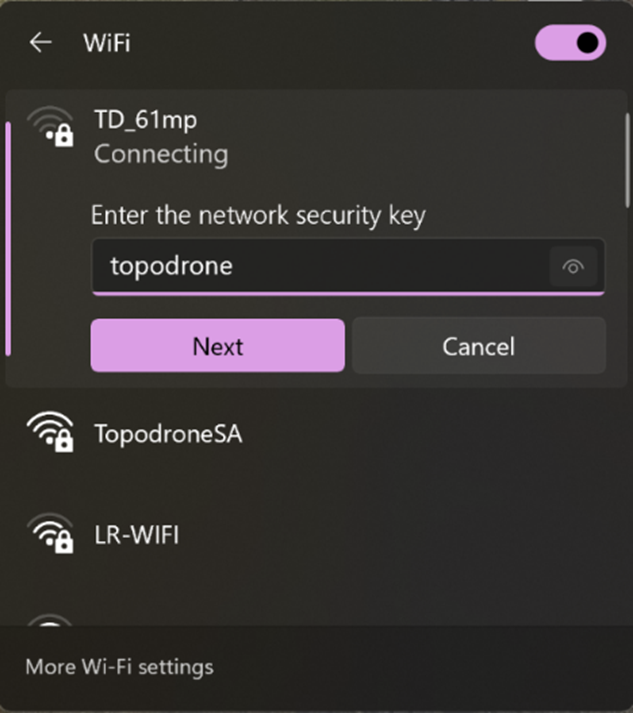 |
| 2. | Take your mobile device and stay somewhere not more than 10 meters around TOPODRONE P24 | |
| 3. | Open Wi-Fi settings and connect to SSID: TD_61mp, password: topodrone | |
| 4. | After connection to TOPODRONE P24’s Wi-Fi open web-browser on your mobile device and go to http://192.168.10.1/ | |
| 5. | You will see the camera settings interface, divided to 3 tabs: Main, Settings, HW. |
| MAIN | SETTINGS | HW |